
Introducing CITY
The only Discord bot you will ever need. Moderation, economy, a ranking system and so much more for you to discover. No paywalls, no premium tier. Just everything, for free.
With currently over 100 commands, running a professional Discord server has never been easier.
See it in action
With currently over 100 commands, running a professional Discord server has never been easier.
See all commands Milkman
used
/bump
Milkman
used
/bump



 Driver
used
/fish
Driver
used
/fish


 BOSSx
used
/moderation kick
BOSSx
used
/giveaway create
BOSSx
used
/moderation kick
BOSSx
used
/giveaway create


Fish, mine, and build your fortune
Earn Bucks and Gold through /fish, /mine, and dozens of other commands, then spend it in the shop on items, pickaxes, and clothing.
Begin your Adventure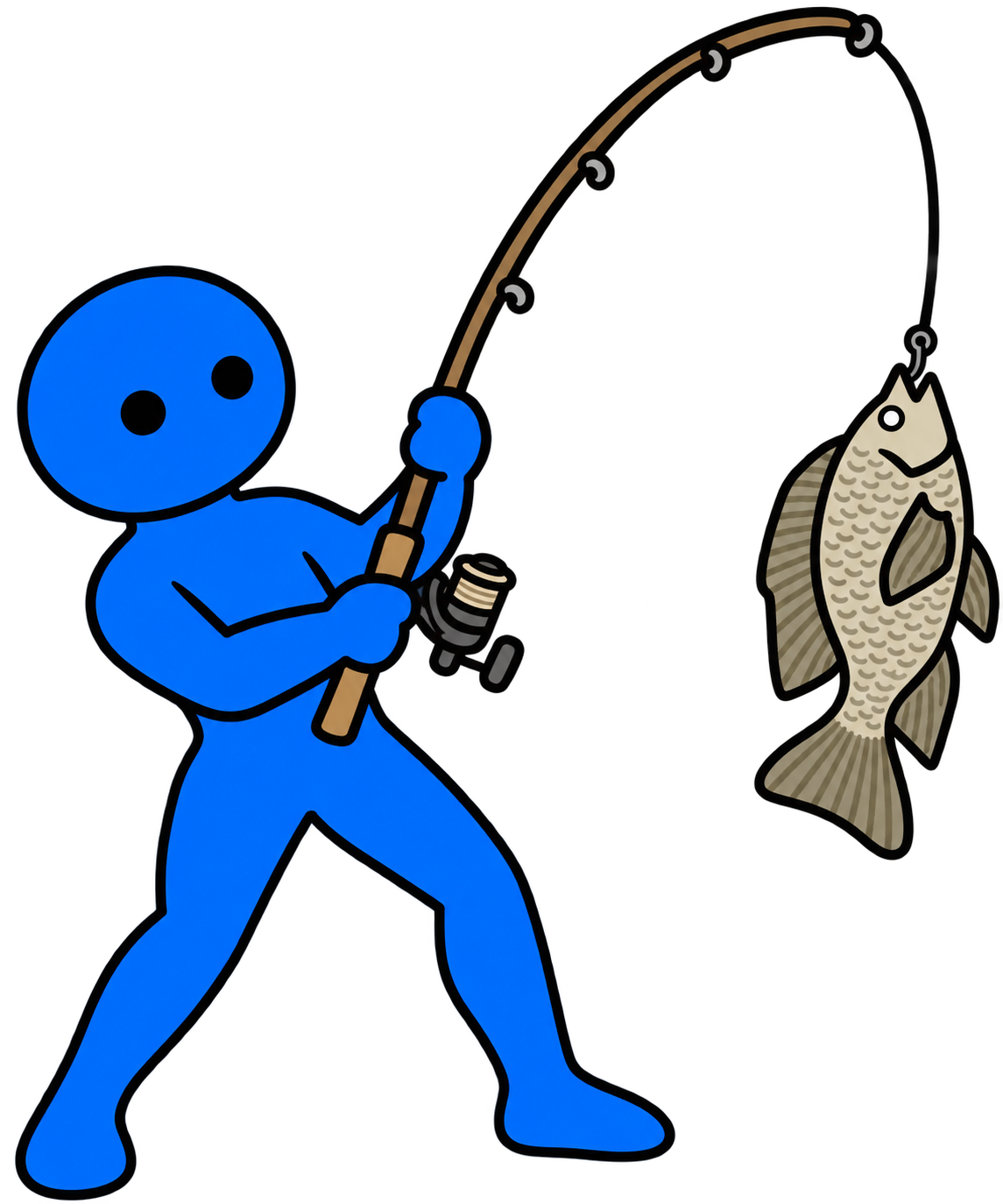

Get discovered by new members
List your server on CITY Discovery so other communities can find and join it. Bump every 3 hours to stay near the top.
Browse Discovery





It's time to /bump!
Get reminders for when bots like Carl, Disboard, and CITY are ready to be bumped again.
Set Up Bump Reminders Disboard
 Carl-bot
CITY
Carl-bot
CITY
Give everyone their own room
Join the portal and CITY instantly spins up a private voice channel just for you. Empty rooms clean themselves up automatically, no channel clutter left behind once everyone leaves.
Set up Temp Channels
Milkman
Milkman
 annie
annie
 Chelz
annie
Chelz
annie
 R3d
R3d
Reward your most active members
Members earn XP by chatting and climb the leaderboard. Hand out level roles automatically as they rank up.
Set up LevelingRun giveaways your members actually want
Launch a giveaway in seconds, let members react to enter, and CITY picks a winner automatically when time's up.
Set up a Giveaway
Support CITY
CITY is free to use and always will be. If you'd like to help cover hosting costs, donations are appreciated.
Payment information is not saved or stored by CITY.
Your Servers
+ Add CITY to a serverNo manageable servers found. Make sure CITY is in your server and that you have the "Manage Server" permission there.
Server not found
Either CITY isn't in that server, or you don't have the "Manage Server" permission there.
Overview
Emojis (0)
Stickers (0)
Members
Member count, joins, and leaves over the last 30 days.
Messages
Server-wide message volume over the last 30 days.
Top Members
Most active members by messages sent.
| Rank | Member | Messages |
|---|
Top Channels
Busiest channels by messages sent.
| Rank | Channel | Messages |
|---|
Voice
Voice channel activity over the last 30 days.
Status
Online, idle, do-not-disturb, and offline member counts over time.
Invites
Server joins attributed to each invite over the last 30 days.
| Rank | Invite | Inviter | Uses |
|---|
Moderation
Lockout Role
The role given to members locked out of every channel by
/mod lockout or the blacklisted-words
automod below. Leave as None to let CITY create and
manage this role automatically.
Blacklisted Words
Off by default. Even switched on, a block only acts once it has words in it. Add up to 5 blocks, each with its own words and punishment.
Channel Settings
Log Channel
Where moderation and server-activity logs are posted.
Event Item Drops
During an event month, seasonal items (Halloween baskets, Christmas gifts) drop in this channel for members to grab. One channel per server. Pick #general or any channel CITY is used in a lot. Leave as None to turn drops off.
Free Games
Post a message here whenever a game goes free on one of
the stores below (Epic, Steam, GOG, and more). Powered
by GamerPower. Leave as None to turn this off. Can also
be set with /channel free, but the options
below are dashboard-only.
Ping a role when a new giveaway posts (optional).
Stores to post from (all enabled by default).
Member Count Channels
Create voice channels that keep their names updated with the server's live member count. Use one of the variables below to start:
-
{server_members}: Total number of Users + Bots in the server -
{server_bots}: Amount of Bots in the server -
{server_users}: Amount of Users in the server
Media Channels
Channels selected here will only allow media files to be sent. (image, video, audio, etc.)
Temp Channels
Members join the portal channel to instantly get their own
voice room, which disappears the moment everyone leaves it.
Set up the portal itself with
/channel temp-vc start in Discord - this tab
governs who's allowed to use it and what the rooms get
called.
Portal Channel
No portal channel yet - run
/channel temp-vc start in Discord to create
one.
Who Can Create Rooms
Nobody can make a room until you allow at least one role, or open it up to everyone.
Room Naming
What each new room is called. Use these variables:
-
{username}: The display name of whoever created the room -
{increment}: A number that fills gaps - if VC 1-4 exist and VC 2 is deleted, the next room becomes VC 2 again instead of VC 5
Rank System
Appearance

Rank Card Background Image
A full custom background image for every member's rank/level-up card in this server, in place of the flat Rank Card Color above. Leave blank to use the color instead.
Leaderboard Colors
Colors for each element of the website leaderboard's rows.
Personal Rank Colors
Whether members can set their own rank card colors from their Account page, overriding this server's defaults above. On by default for everyone; restrict it to specific roles below if you want.
XP Boosts
Roles that give a boost to earned XP. For example, you could give a "Server Booster" role +50% XP. This is just an example, not a preset.
Rank Roles
Depending on what level a user is, they'll receive a role. With stacking off, only the highest qualifying role is kept as they level up.
Top 10 Role
Users currently in the leaderboard's top 10 receive this role. Leave blank to disable.
First Place Role
The user currently in first place on the leaderboard receives this role. Leave blank to disable.
Role Management
Auto-Roles
Roles automatically given to new members when they join.
Sticky Roles
Reassigns a member's roles automatically when they rejoin, so leaving and rejoining can't be used to clear roles. Useful if you don't want to redo someone's roles after they come back.
Voice Roles
Applies roles to users when they join a specific voice channel.
Manager Roles
Roles that can use CITY's server management commands.
Embed Builder
Reaction Roles
Let members self-assign roles with a reaction, a button, or a dropdown.
| Channel | Roles | Style | Type | Actions |
|---|
No reaction-role messages configured yet.
Automation
Auto Respond
Sends a specific response when someone sends a matching trigger word or phrase.
- Normal: matches if the trigger appears anywhere in the message.
- Exact: matches only if the message is exactly the trigger, nothing more.
- Starts With: matches if the message starts with the trigger.
- Ends With: matches if the message ends with the trigger.
Auto React
Reacts with an emoji when someone sends a matching trigger word or phrase.
- Normal: matches if the trigger appears anywhere in the message.
- Exact: matches only if the message is exactly the trigger, nothing more.
- Starts With: matches if the message starts with the trigger.
- Ends With: matches if the message ends with the trigger.
Welcome Message
Sent to a channel whenever someone joins this server. Use
variables
like {user} or {server} to
personalize it.
Welcome DM
Sent as a DM whenever someone joins this server. Use
variables
like {user} or {server} to
personalize it.
Leave Message
Sent to a channel whenever someone leaves this server. Use
variables
like {user} or {server} to
personalize it.
Ban Message
Sent to a channel whenever someone is banned from this
server. Use
variables
like {user} or {server} to
personalize it.
Ban DM
Sent as a DM to the member right before they're banned
with /mod ban or /mod tempban.
Discord only allows a DM like this while the two of you
still share a server, so it can't be guaranteed for
every ban (e.g. one placed through Discord's own ban
screen instead of the bot). Use
variables
like {user} or {server} to
personalize it.
Giveaway
Create a Giveaway
Members with this role get 2 entries instead of 1 in every giveaway on this server.
Active Giveaways
No active giveaways.
Discovery
List your server on
bossx.ca/CITY/discovery
so other users can find and join it. Use
/bump in your server to move back to the top
(once every 3 hours).
Server Language
Tags
Up to 5 tags to help people find your server. Examples: community, gaming, social, roleplay, chill, anime, art, music, giveaways, lgbtq+, studying, memes.
Description
Sell your server in a few sentences. Bold, italics, links, and other Discord markdown all work here; plain HTML and CSS won't render. Select some text, then right-click the box (or use the Options button below) for alignment, size, and color options.
Only shown to browsers who opt in to see NSFW listings.
Turn off to hide your listing from Discovery without deleting it.
Reward Role
Optional - given to whoever uses /bump.
Invite Channel
New members who join from Discovery will land in this channel.
Bump Reminders
CITY watches for a successful bump from each bot below and pings a role in a channel of your choice once that bot's cooldown is back up. Off by default per bot.
Disboard
Reminds every 2 hours after a bump is detected.
CITY
Reminds every 3 hours after a bump is detected.
Carl
Reminds every 6 hours after a bump is detected.